 Sugarbush
Pump timer for new moms
Keep time while you pump, gently.
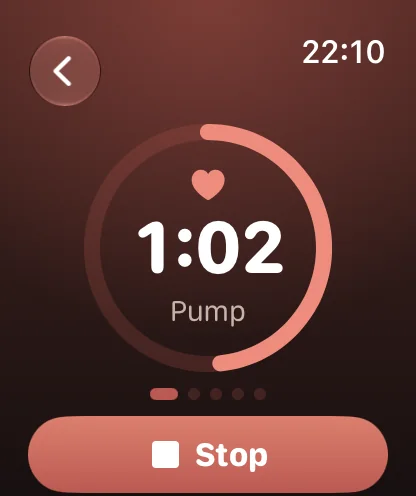
Sugarbush times each pump and quietly tells you what's next. Use your iPhone on its own, or your Apple Watch for a glance at your wrist.
Get early access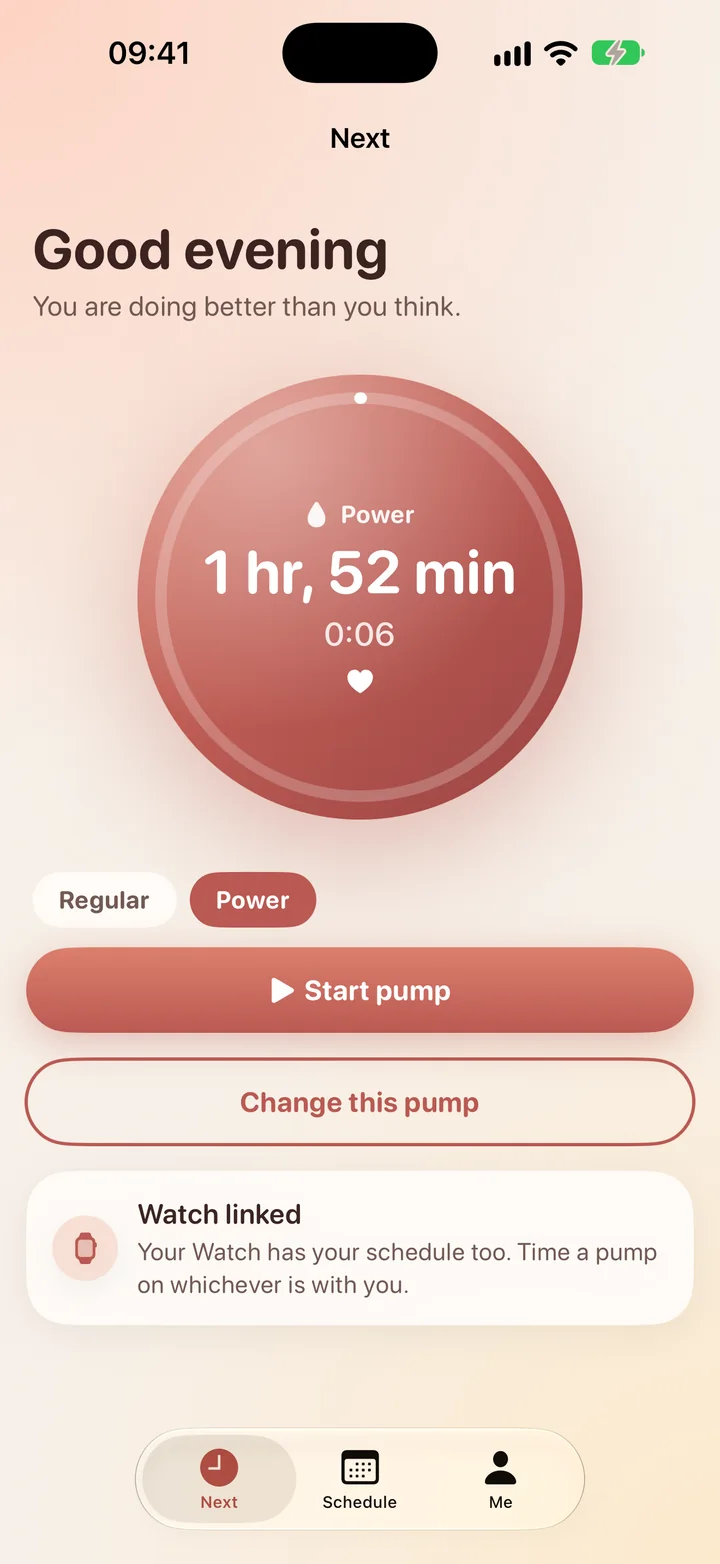
Made for the long days and the longer nights.
Phone or wrist, your choice
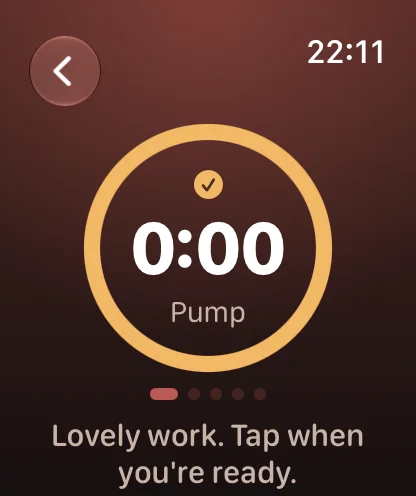
Start a pump from your iPhone or your Apple Watch. Sugarbush counts each phase so you don't have to.
Pump, rest, pump
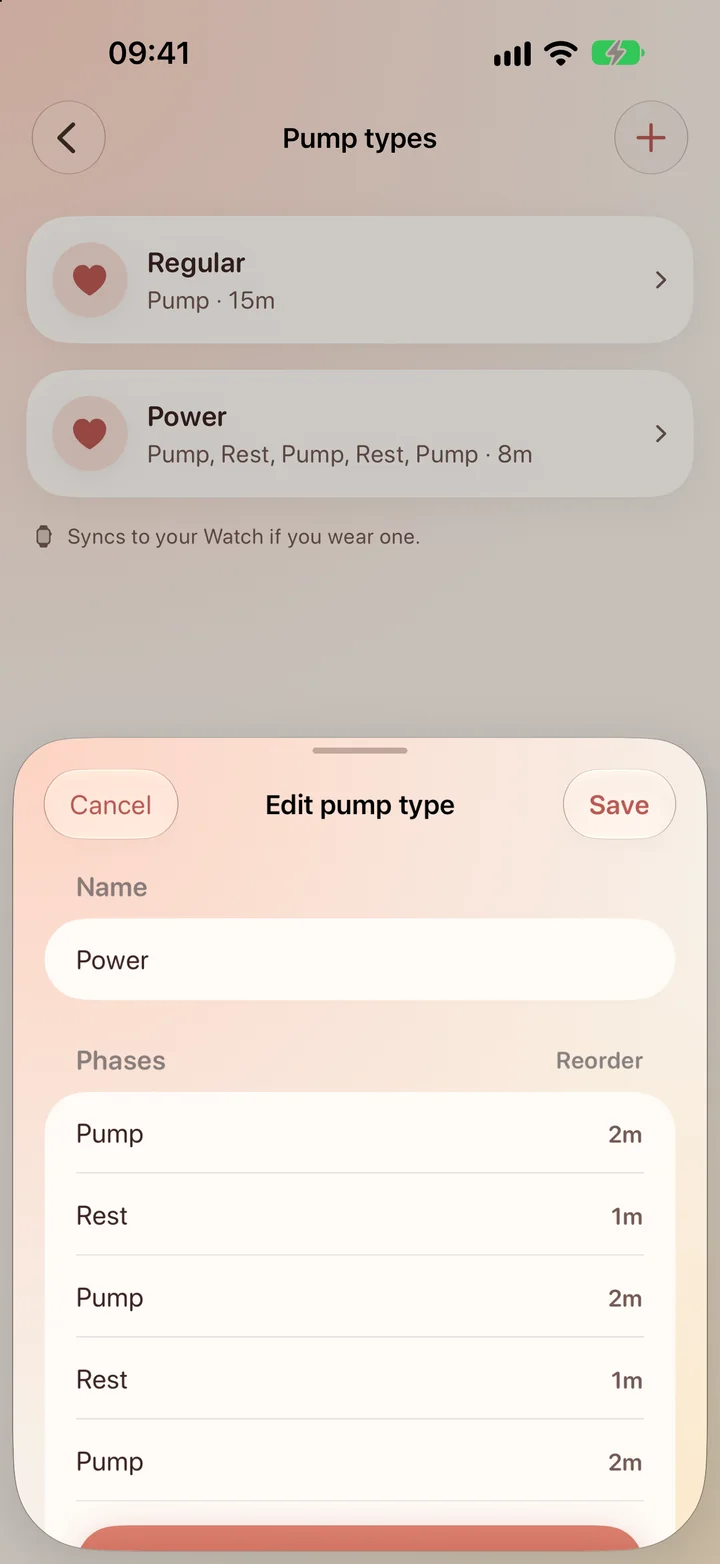
Power sessions with timed phases, or a simple regular pump. Set the length of each phase your way.
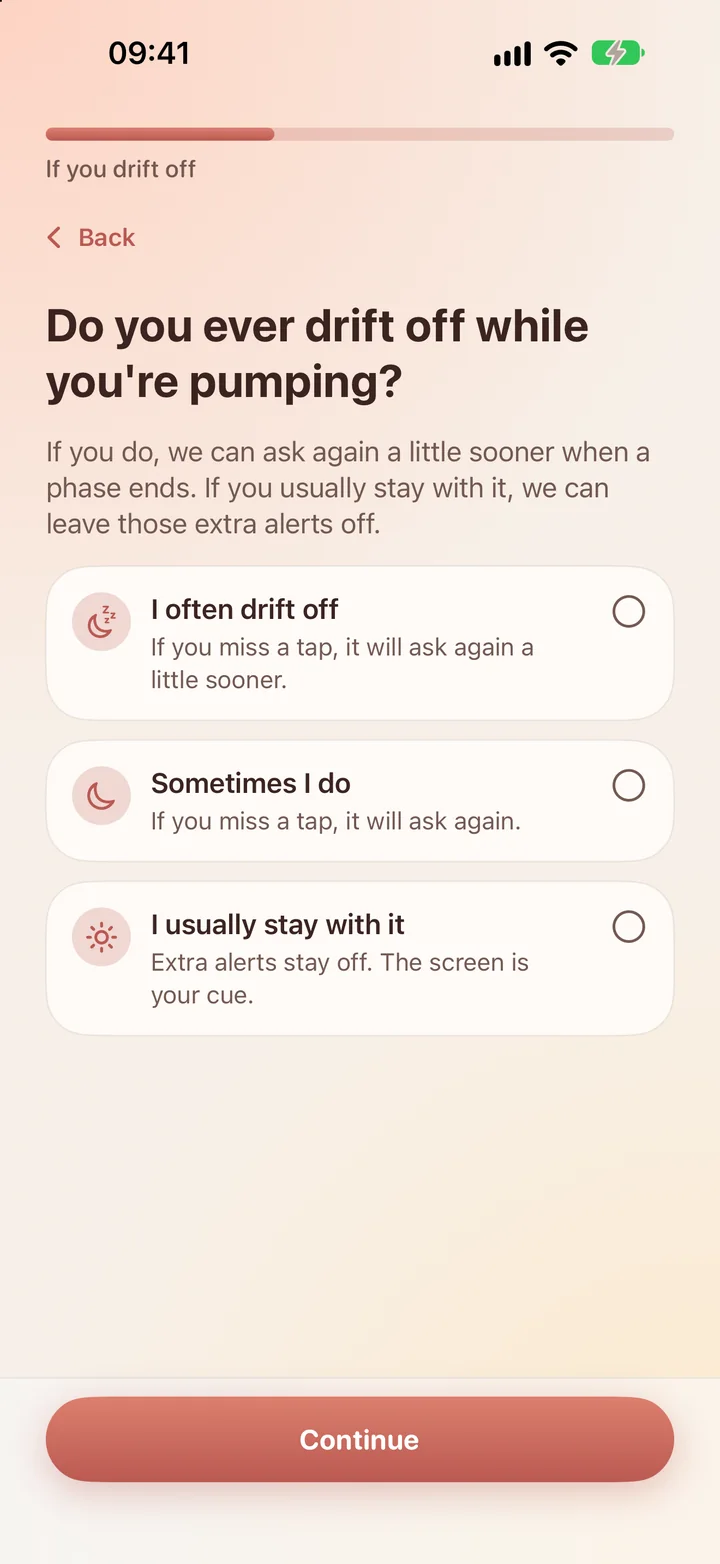
Gentle if you drift off
Miss a tap and Sugarbush asks again a little sooner. Turn it off if you'd rather not.
Running late is fine
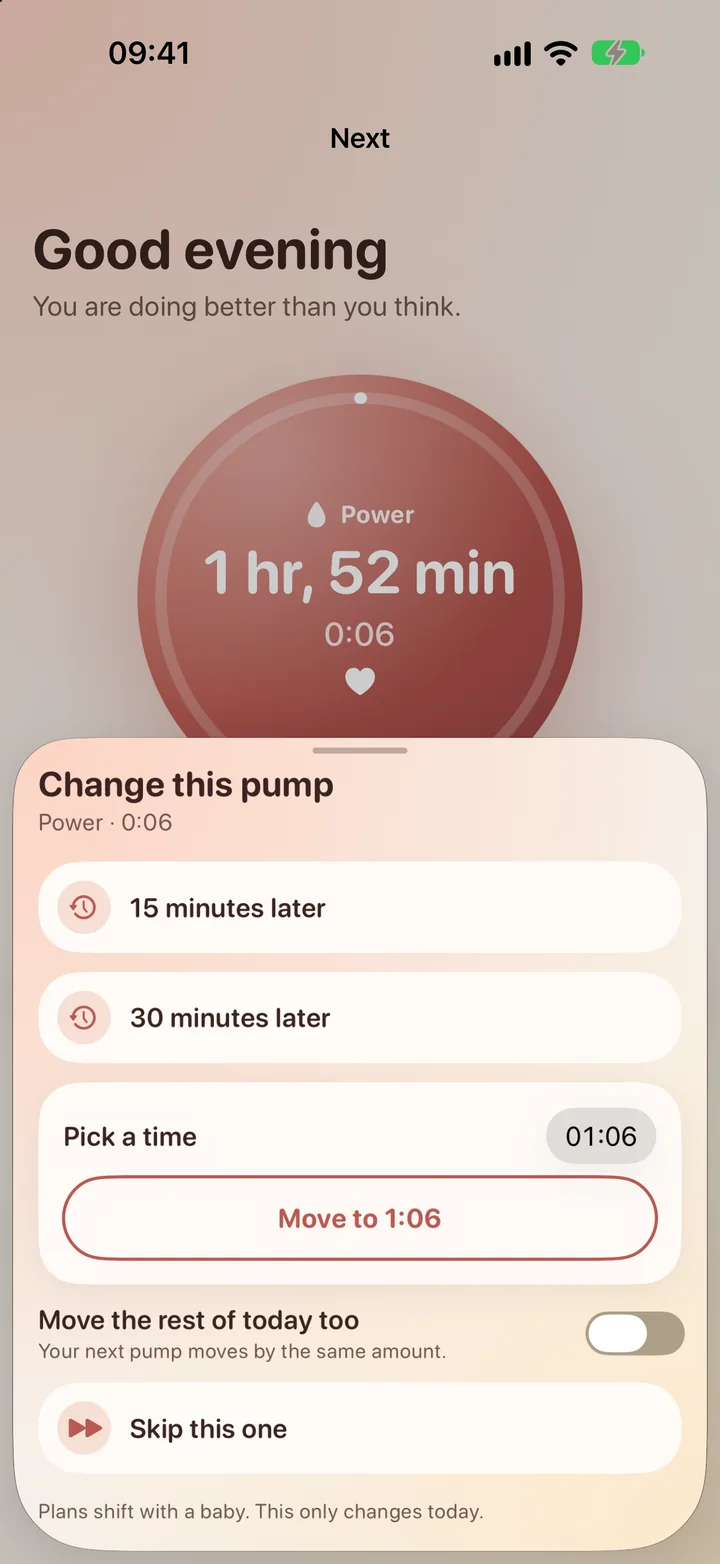
Push a pump back, move it, or skip it for today. Your usual schedule stays as it is.
Alerts that suit the room
Pick soft, normal or loud alert sounds. With a Watch, a tap on your wrist is enough.
No Watch? Your iPhone has you covered.
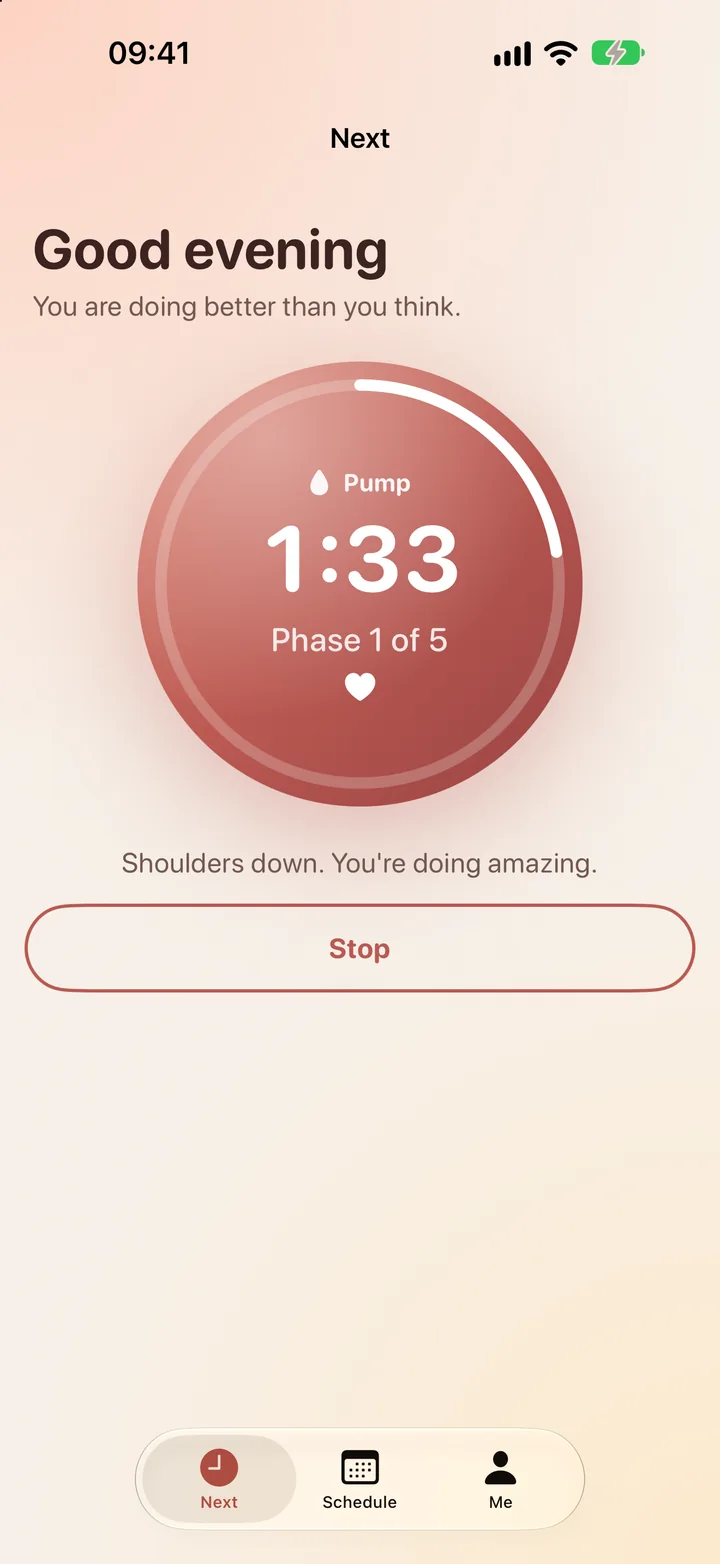
Start a pump on your iPhone and it counts each phase and lets you know when to switch. Add an Apple Watch any time for a glance at your wrist.
Know what's next, at a glance.
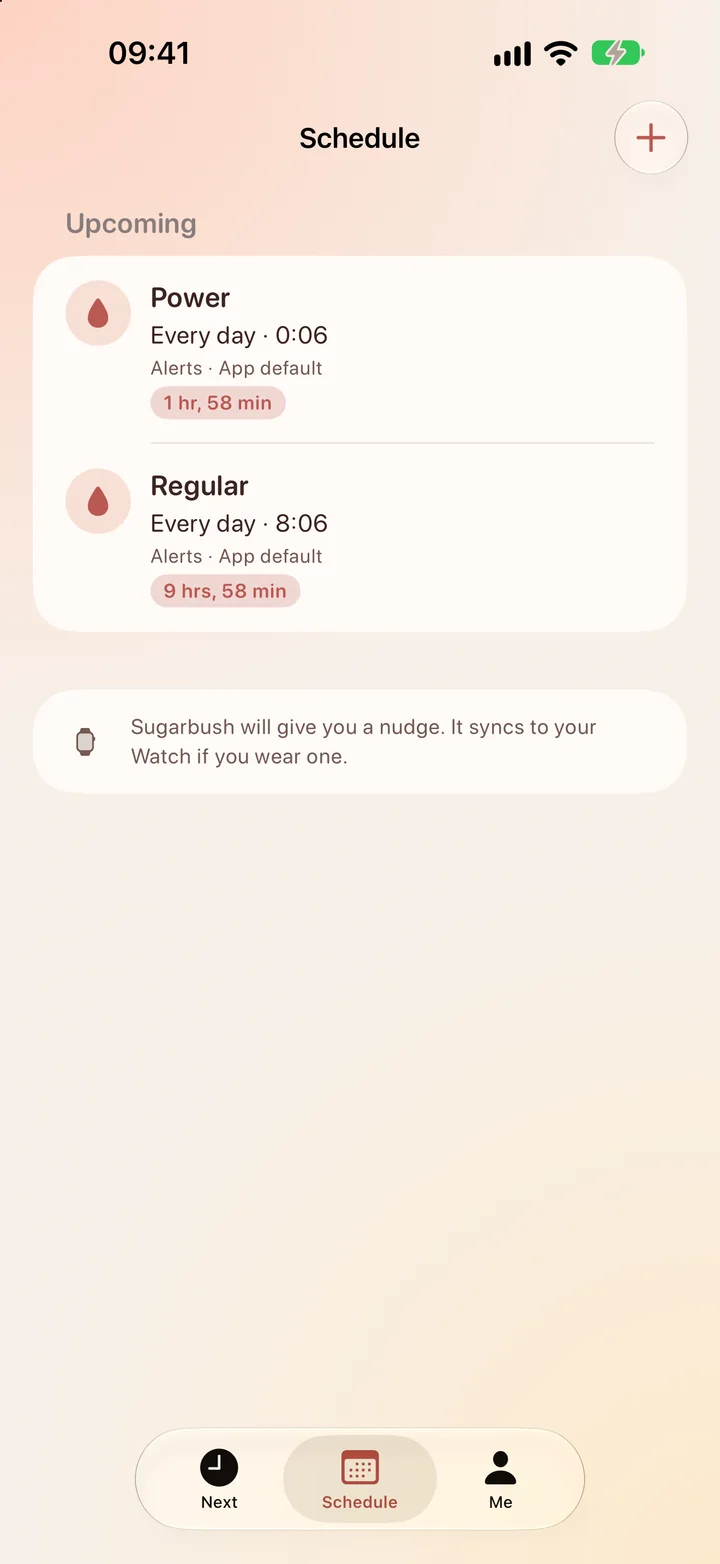
Your next pump and its type sit right on the home screen of your iPhone and your Watch. When it's due, it's ready to start with one tap, and Sugarbush gives you a gentle reminder.
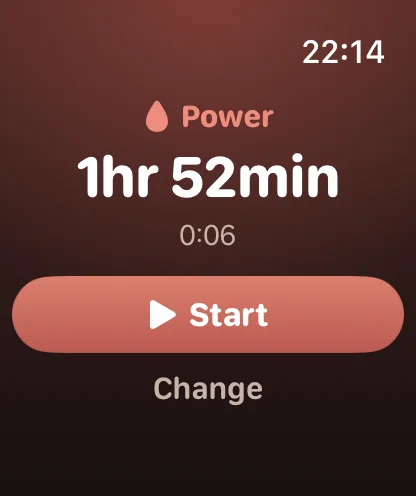
Days don't always go to plan.
Baby asleep on you, or stuck in a meeting? Shift the next pump later, move it, or skip it. The change is just for today, so your usual schedule stays as it is.
Pump types that fit your routine.
Build a Power pump with timed pump and rest phases, and keep a simple Regular pump for the rest of the day. When a phase ends, Sugarbush lets you know and one tap carries on. Need an extra pump? Start any type whenever you like.
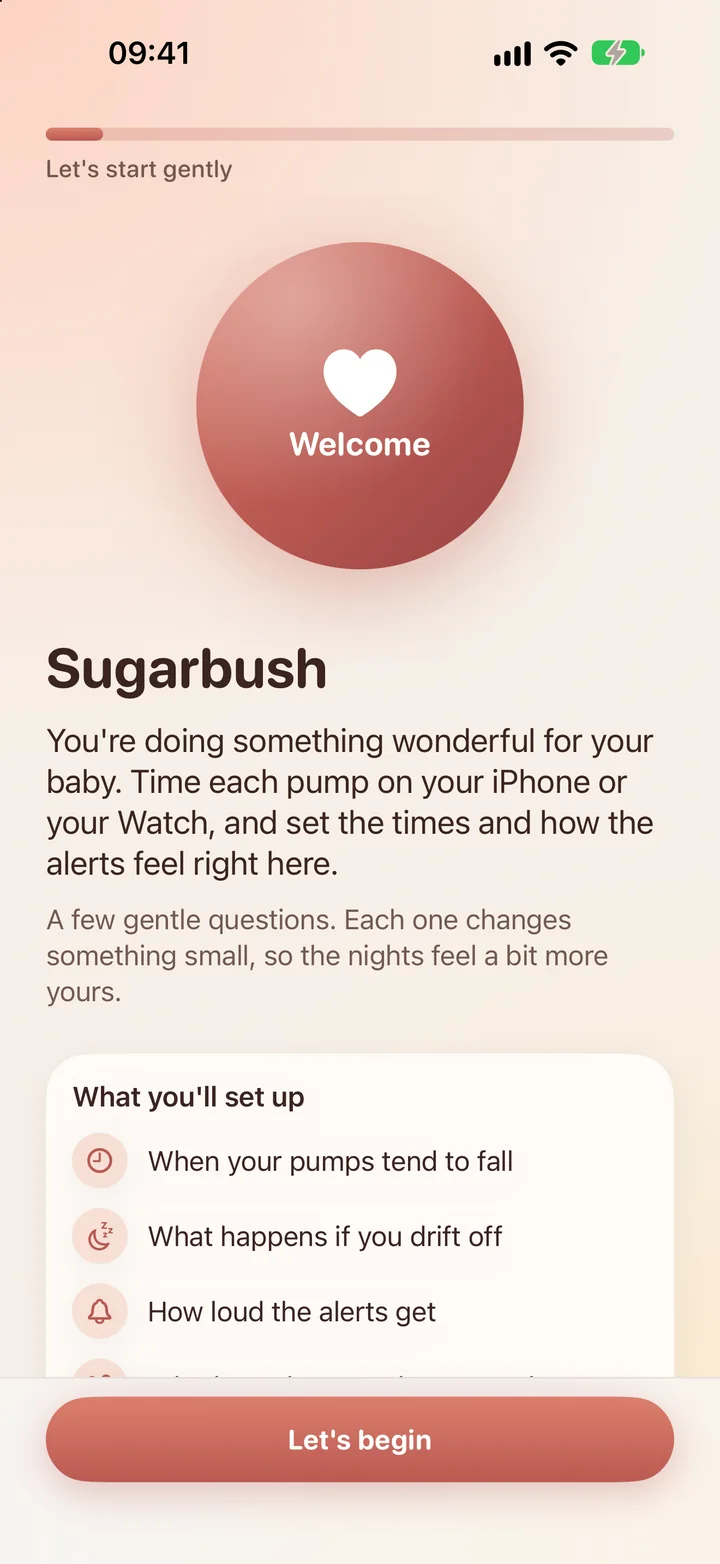
Set up in a few kind questions.
Tell Sugarbush how your day looks and whether you tend to drift off. It suggests a starting point, and you can change it any time.
Be one of our first testers.
Leave your email and we'll send an invite when the beta is ready, and again when Sugarbush reaches the App Store.
We only use your email to tell you about Sugarbush. Reply to any message and we'll delete it.